Formaku CMS
Build pages and data collections. Manage content, media, and publishing in an English or Polish panel.
Documentation →An open platform for building websites and stores. Run it on your own server or explore what’s planned for Formaku Cloud.
CMS 0.1.0-alpha.73 · MIT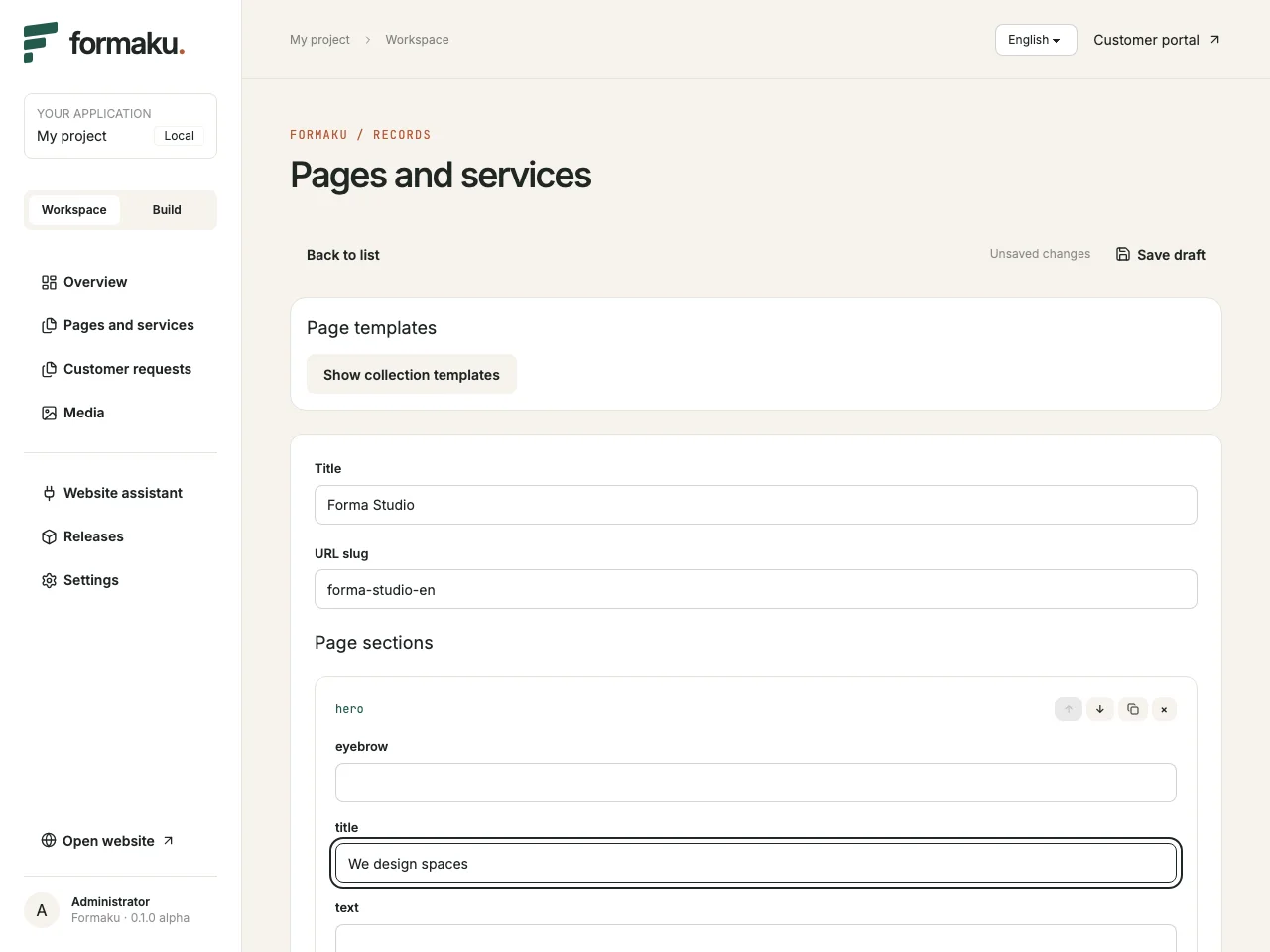
 Forma Studio
Interior design and consultations.
Design NotebookArticles and advice for design teams.
North WorkshopObjects for everyday use.
After saving the draft, the editor opens a page preview without publishing the changes.
Build pages and data collections. Manage content, media, and publishing in an English or Polish panel.
Documentation →Add a product catalog and order management to your Laravel application.
See the order flow →Start a project with hosting, a custom domain, updates, and backups.
See the planned tiers →We’re planning self-service setup, a 14-day trial without a card, and monthly billing per project.
Websites, publications, and content with hosting and a custom domain.
Catalog, cart, and orders. Price lists in PLN, EUR, and USD are planned.
Define fields and relationships to generate forms and record lists. In the editor, you can select related records and attach files from the library.
Build pages with text, images, and cards. Reuse layouts with page templates. Preview your drafts, schedule publication, and set up SEO metadata and a sitemap. Edit the shared header, footer, and site theme in settings.
Customers sign in to see their own requests. Your team works on them in the admin panel and can keep selected fields private.
Add a product catalog and order management to your Laravel app. The package provides an API you can use to build your own storefront.
Development version. For integration and testing with synthetic data. A ready-made storefront, shipping, and online payments are outside the current scope.
Read the Commerce guideGET /products · POST /quotesCatalog and quotePublish an SKU with a price and stock. A signed-in customer requests a current quote.
POST /ordersOrder and reservationThe customer places an order from the quote. Available stock is reserved for a limited time.
POST /admin/orders/{id}/payBank transfer and pickupAn authorized team member confirms the transfer and marks the order complete after pickup.
A small team can publish its services and manage customer requests from one panel. The starter includes a sample configuration for this workflow.
Create a Pages and Services collection, add content, and publish a page.
The customer submits a request in the portal. Your team can assign it to a staff member when updating its status.
Update the status in the admin panel. Customers can check their request in the portal.
Run these commands to clone and install the alpha. You need PHP 8.4+, Composer, Node.js 22.12+, and SQLite. Run the administrator command separately with your email and enter a password before seeding the demo.
Open the address printed by Artisan and add /formaku.
The starter includes sign-in, a customer portal, and a Polish and English admin panel. You can also integrate formaku/cms into an existing Laravel application.
git clone --branch v0.1.0-alpha.73 --single-branch https://github.com/formaku/formaku.git
cd formaku
cd apps/starter
composer install
cp .env.example .env
php artisan key:generate
touch database/database.sqlite
php artisan migrate
cd ../..
npm ci --ignore-scripts
npm run build
cd apps/starter
php artisan formaku:install
php artisan formaku:admin you@example.com
php artisan formaku:demo
php artisan serve